Deploy document viewing and processing your way — client-side Web Viewer SDK, cloud APIs, or on-premises control — all on one high-performance Nutrient engine. No lock-in. No rework. Switch anytime by updating your endpoint.
Use these common goals to find the right deployment model — whether you’re embedding a viewer, running head-only processing, or operating in a regulated environment.
Embed a capable and performant viewer quickly, without managing backend infrastructure
Automate document tasks — convert, generate, watermark, OCR, and more — from the backend
Combine viewing and processing while keeping data and processing within infrastructure you own and fully control
Combine viewing and backend processing in a single-tenant infrastructure managed by Nutrient.
Learn about Nutrient deployment models — how client-side SDKs, cloud APIs, and self-hosted or managed engines differ — using Web Viewer SDK as an example across all platforms.
Share what you’re building, and we’ll help you find the right fit. Our solutions engineers and Sales team will guide you through your options and make sure everything’s clear — no surprises, no confusion.
Use these common goals to find the right deployment model — whether you’re embedding a viewer, processing files in the backend, or operating in a regulated environment.
Render documents directly in the browser with zero server infrastructure.
Embed a full-featured viewer with server-side rendering — with just an API key.
Call powerful backend jobs from any environment — no storage or infrastructure required.
Deploy the full document streaming and processing engine in your own infrastructure.
A dedicated, auto-scaling infrastructure deployed and operated by Nutrient.
COMPARE
| Web Viewer SDK | DWS Viewer API | DWS Processor API | Self-hosted Document Engine | Managed Document Engine | |
|---|---|---|---|---|---|
| Viewer support | | | | | |
| Backend processing | | Limited Viewer-side only (no headless OCR, conversion, etc.) | | | |
| Hosting required | |
We host
| |
You host
|
We host
|
| Data control | Local only | Shared cloud | Shared cloud | Fully private | Isolated VPC |
| DevOps required | | | | | |
| Ideal for | Offline/low-infrastructure apps | SaaS and PLG frontends | Automated workflows | Highly-regulated industries/air-gap | Scaling without ops |
| Pricing model | Annual license | Usage-based | Usage-based | Annual license | Annual license |
Build once, deploy anywhere. All Nutrient SDKs are powered by the same high-performance engine — whether you self-host, use our cloud APIs, or go hybrid.
Use the same classes, documentation, and code examples across SDKs — so you can code once and ship anywhere.
One API key hits the same endpoints — across on-premises, dedicated cloud, or shared deployments.
Move between deployment models — from local to cloud — by updating a single endpoint. No code rewrites, no rework.
Includes encryption in transit and at rest, plus options for dedicated tenancy and enterprise compliance.
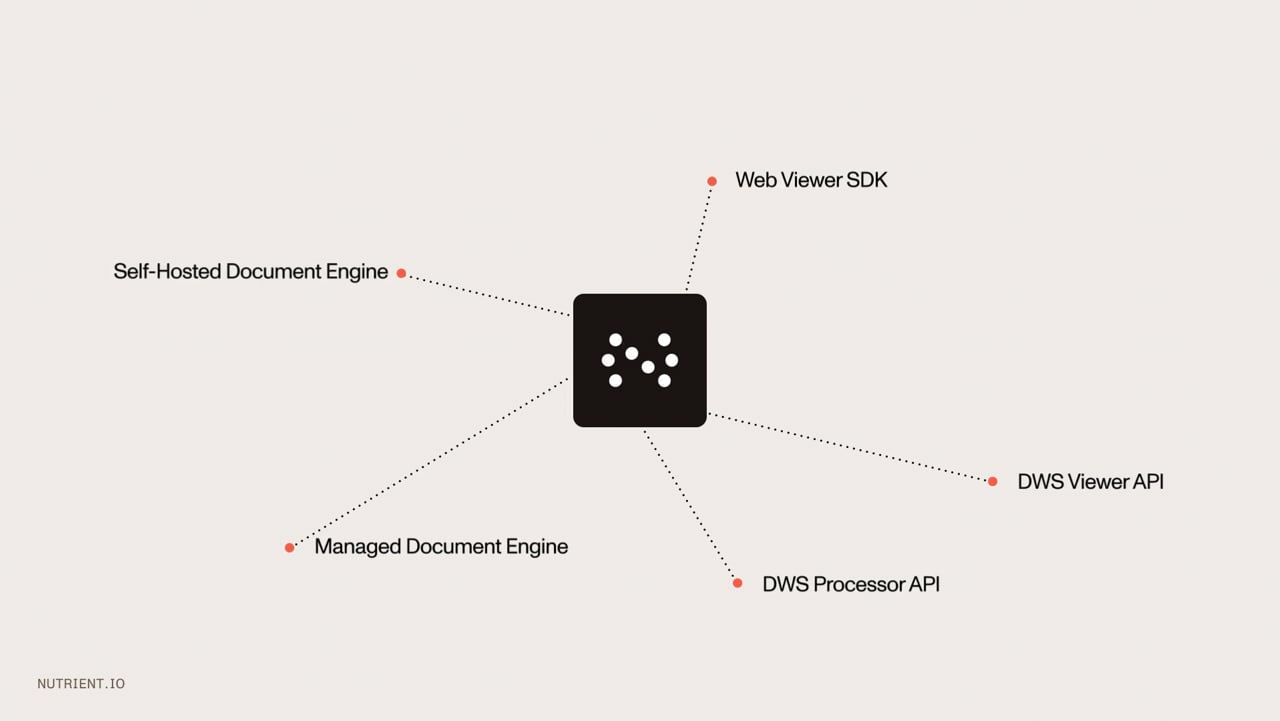
Nutrient offers five deployment models: (1) Web Viewer SDK — a client-side JavaScript library embedded directly in the browser, priced annually; (2) DWS Viewer API — Nutrient’s cloud-hosted viewing service, priced by subscription; (3) DWS Processor API — Nutrient’s cloud-hosted document processing service, priced by usage; (4) Self-Hosted Document Engine — a Docker container you run in your own infrastructure (VPC, private cloud, or air-gap), priced annually; and (5) Managed Document Engine — fully hosted and operated by Nutrient with autoscaling, monitoring, backups, and SLA-backed uptime, priced annually.
Nutrient’s self-hosted Document Engine and server-side SDKs (.NET, Java, Python, Node.js) support fully air-gapped, on-premises deployments. One important prerequisite: air-gapped deployments require an offline license — the standard online license performs periodic internet-based validation that isn’t possible in a disconnected environment. Confirm this requirement with Nutrient Sales when purchasing; an offline license is available but must be specified at procurement time. Once configured, no outbound connectivity is required — the engine runs entirely within your own infrastructure (VPC, private cloud, or isolated network), making Nutrient suitable for defense, intelligence, healthcare, and other environments where data must never leave the organization’s perimeter.
Both the self-hosted and managed Document Engine are Docker-based and share the same API surface — switching between them requires only an endpoint change. The difference is operational ownership. With the self-hosted option, your team manages infrastructure provisioning, scaling, updates, and backups. With the managed option, Nutrient handles all of this — autoscaling, monitoring, backups, and uptime SLA — so your engineers focus on integration rather than DevOps. Self-hosted gives you full data sovereignty; managed reduces operational overhead.
Nutrient holds SOC 2 Type 2 certification at the company and cloud-service level, covering its cloud APIs and Managed Document Engine. For self-hosted Document Engine deployments, documents never leave your infrastructure — the container image is produced by Nutrient’s SOC 2-certified engineering organization, and no data passes through Nutrient’s servers. Nutrient also supports WCAG 2.1 accessibility standards. Teams in regulated industries (healthcare, finance, government) typically choose self-hosted deployment for full data sovereignty, or managed deployment where Nutrient’s SOC 2 certification directly applies.
Switching between the self-hosted Document Engine and the managed Document Engine requires only an endpoint change — both share the same API surface, so you update the server URL without modifying application code. DWS Viewer API and DWS Processor API are distinct products with different APIs suited to different use cases; they aren’t interchangeable with each other or with Document Engine via an endpoint swap. For server-side Document Engine deployments specifically, Nutrient’s “one engine, multiple footprints” design avoids lock-in.
Nutrient’s self-hosted Document Engine is distributed as a Docker container, so your team is responsible for infrastructure provisioning, managing the Docker container environment, scaling, updates, and backups. Nutrient provides the container image, full documentation, and technical support. If your team lacks infrastructure capacity, managed Document Engine eliminates this burden — Nutrient handles all operations under a defined SLA, while you retain the same API and the ability to switch back to self-hosted if requirements change.
Pricing varies by deployment model. Web Viewer SDK, self-hosted Document Engine, and managed Document Engine are priced on an annual subscription basis — costs are set at signing based on components, integration scope, and scale, giving you a predictable total cost of ownership. DWS Viewer API is priced by subscription — you pay monthly or yearly for an allocated quota of sessions, uploads, and document limits. DWS Processor API is priced by usage — you pay based on credits consumed per job, which suits variable or early-stage workloads where annual commitment is premature. All deployment options can be evaluated during Nutrient’s 30-day free trial — full access, no trial key required.
Try Nutrient today for free, or talk to us about your infrastructure, security needs, and ideal setup.