Nutrient Web SDK: Document viewing and editing in the browser
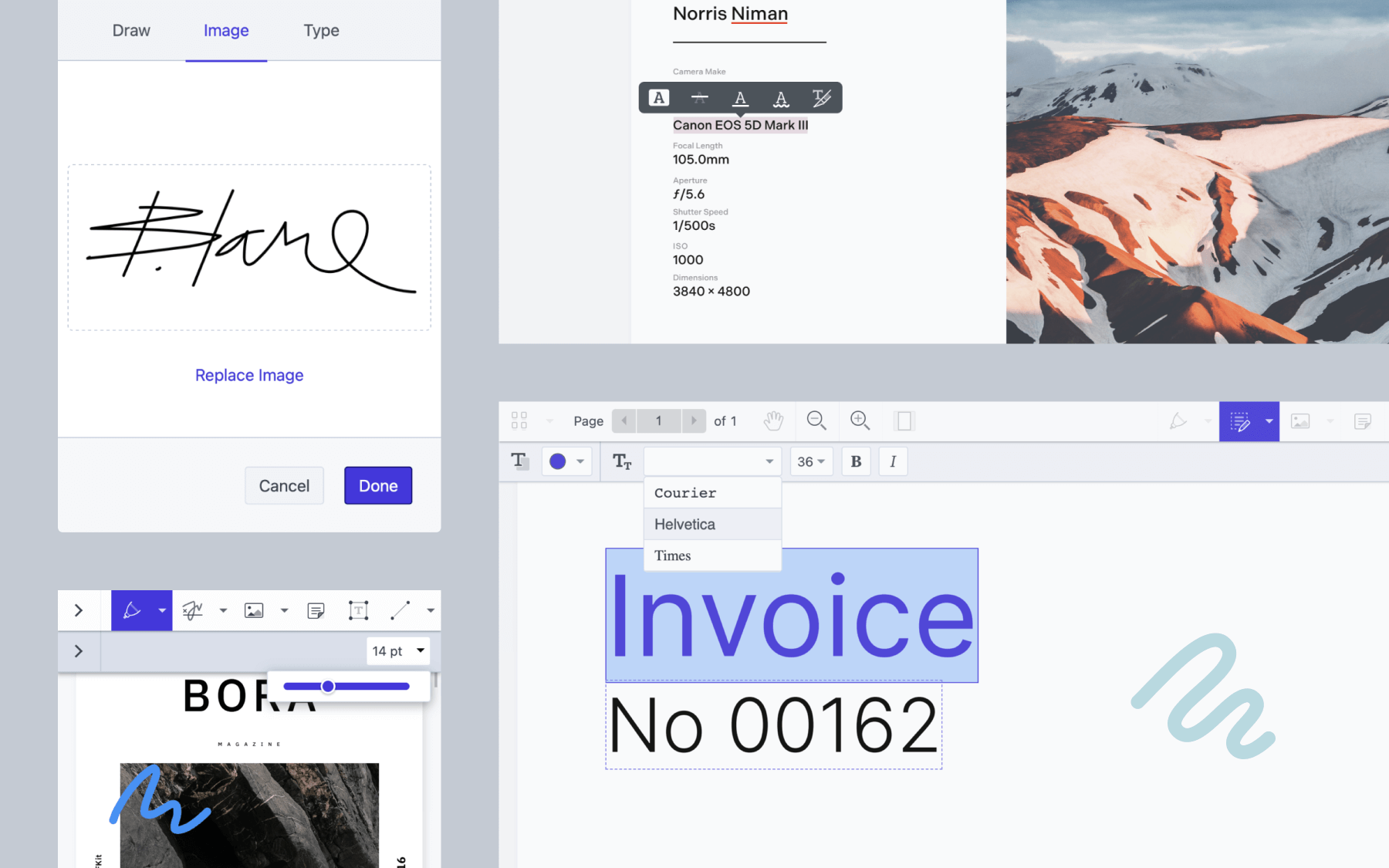
Nutrient Web SDK (formerly PSPDFKit for Web) is a secure, client-side JavaScript library engineered for robust document viewing, annotation, and editing directly within the browser. It empowers developers to seamlessly integrate advanced document and image manipulation capabilities into any web application.
▶ Try the interactive playground — explore the full SDK live in your browser, no install required.
🔑 Get a license without talking to sales — sign up in the Nutrient dashboard for a publishable key. Usage-based, with a free tier.
Developers can explore many examples and resources in the ecosystem, and the SDK comes fully supported by the dedicated team at Nutrient.
Key capabilities
- Client-side processing — The primary workload is offloaded to the client, eliminating the need for complex, dedicated server infrastructure.
- Enhanced security — Built on a battle-tested, reliable PDFium-based rendering engine.
- Highly customizable — A powerful, robust API allows for precise configuration of both behavior and visual appearance.
- Office document support — View and convert Office documents without external dependencies.
- Framework agnostic — Fully compatible with all major JavaScript/TypeScript frameworks, including React, Angular, Vue, Svelte, Next.js, Nuxt, Vite, and Electron.
Nutrient Web SDK processes a comprehensive range of file types, enabling client-side viewing and conversion directly on any browser — no server dependencies or MS Office licenses are required.
| Category | Supported file types |
|---|---|
| PDF, PDF/A (1, 2, 3, 4) | |
| Office documents | DOCX, DOC, DOTX, DOCM, XLSX, XLS, XLSM, PPTX, PPT, PPTM |
| Images | PNG, JPEG, JPG, TIFF, TIF |
| Text/data | TXT, XFDF, Instant JSON |
Getting started
Refer to our getting started guide for comprehensive integration instructions. To authorize the SDK you need either a publishable key from the Nutrient dashboard or a license key — see the licensing guide.
Web demos
Explore the full potential of the SDK with our live web demonstrations:
- Document viewing
- Customizable UI
- Adding annotations
- Filling PDF forms
- Creating PDF forms
- Signatures
- Document editing
- Document generation
- Generate PDFs from DOCX templates
- Real-time collaboration
- And more
Browser support
The SDK supports the latest stable versions of all major web browsers: Chrome, Mozilla Firefox, Safari, Edge, and Firefox ESR.
Documentation and support
Nutrient offers comprehensive guides and code samples to facilitate your integration and customization efforts.
We offer full technical support, providing direct access to the engineers who built the product. We’re happy to assist with setup, integration questions, and feature implementation.
Most popular guides
| Category | Topics |
|---|---|
| Viewing | PDF viewer, Search |
| Editing and markup | Annotation, Editor, Redaction |
| Forms and signatures | Forms, Signatures |
| Document processing | Conversion, Office conversion, Extraction, PDF generation |
| Security | Document security |
API reference
Read the full API reference for detailed class, method, and property documentation.
Version history
Refer to our changelog for a detailed list of changes included in each release.
AI coding assistant integration
For developers utilizing an AI coding assistant (LLM) within their IDE, Nutrient Web SDK offers two ways to feed it accurate, SDK-specific context — significantly enhancing the accuracy and relevance of AI-generated code suggestions.
MCP server
The @nutrient-sdk/viewer-mcp package is a Model Context Protocol server that exposes the SDK’s documentation, guides, examples, changelog, and API type declarations to any MCP-compatible client (Claude, Cursor, VS Code, and more). Your assistant can search the API, browse framework guides, look up changelog entries, and find runnable examples on demand.
Add it to your MCP client configuration:
{
"mcpServers": {
"Nutrient": { "command": "npx", "args": ["@nutrient-sdk/viewer-mcp"] }
}
}
llms.txt
Alternatively, the llms.txt file lets you feed SDK-specific documentation directly into the LLM’s context.
WebMCP
The API reference also exposes itself directly to in-browser AI agents over WebMCP. An agent browsing the reference gets three read-only tools: searching the API by name or description, reading the documentation for one symbol, and listing the members of a class, interface, namespace, or enum.
Browsers that implement WebMCP pick the tools up on their own, with nothing to install. Browsers that don’t simply ignore them — the reference behaves exactly as before, and no polyfill is downloaded.
License and commercial information
Nutrient Web SDK is a commercial product, and you can license it in more than one way:
- Self-serve subscription — the fastest way to start. Create an account in the Nutrient dashboard, get a publishable key, and authorize the SDK directly, with no sales call. See pricing and free tier limits.
- Free trial — a free trial with full feature access for evaluation and integration. Rendered documents carry a Nutrient watermark until a license is active.
- Custom license — a tailored license arranged with our team, for volume, self-hosted deployments, or specific contract terms. Contact sales to discuss options.
See the licensing guide for the full comparison and setup instructions.
Copyright © 2010–present PSPDFKit GmbH.